

012: The Website Platform That Finally Made My Brand Feel Like Me
Hi friends, and welcome back to the Flourish Foundry podcast. I’m your host, Abi Johansson, now as of May 15th. Well, let’s be honest, I’m Facebook official; I haven’t legally changed my name yet. But welcome back to the podcast where we talk about all things branding, web design, and building a business that actually feels like you.
Usually, we have guests on the show and interviews here and there, but today it’s just me. Over the summer, there are a few things that I want to chit-chat about, so let’s get into it. Today, I want to talk about building your site on Showit versus Wix.
For those of you who don’t know, I typically build my clients’ websites on Showit because of its creative freedom, and we’ll get into that a little bit more later. But if you’re looking to DIY your website and you’re hesitant on which platform to pick, this is going to be a really good episode for you. And even if you’re looking to hire a designer, this might be helpful just to go into it knowing what platform would work best for you.
Choosing the right website platform can feel a little overwhelming. There are a lot of options out there now, but having the right foundation can save you months of headache and back and forth, which is exactly what happened to my current client, unfortunately. This is the inspiration for today’s episode. I don’t know all of the details, but I do know that she has been back and forth with her developer/designer for months now and has been DMing me back and forth about it. All she has to show for it now is a Wix website built by her fiancé, which she could have gotten for free, most likely.
So let’s break it down together: Wix versus Showit. Wix is an all-in-one website builder. It does have drag-and-drop ability, but it’s limited. There are templates built-in and then a lot of options for plugins. It seems simple on the surface but can do quite a bit, actually. This was my first time working in Wix, and I was surprised at how much it was able to do.
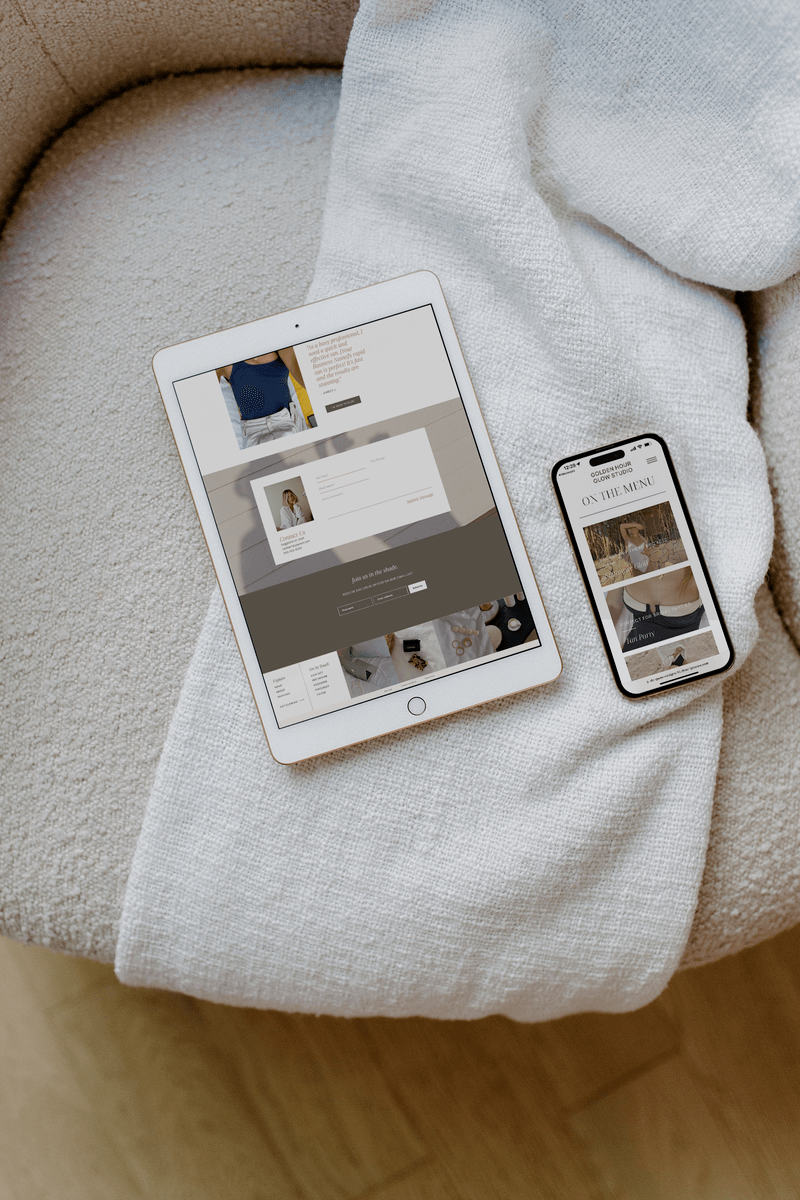
Showit, on the other hand, is known for its ability to produce extremely unique yet functional, conversational websites. You’ll see it mostly used by photographers, service-based businesses, and creatives. That’s the kind of people that are drawn to it because of its creative freedom. It truly is drag-and-drop; you can put anything anywhere, which can produce a really ugly website if you don’t know what you’re doing or basic design rules. Like I said, I always work with Showit for my clients because of the creative freedom and the ability to add in code as needed in a very simple, straightforward way that often really makes the website come to life. It makes it more engaging instead of just a pretty, designed PDF.
The design flexibility between the two, like I said, Wix has a good amount of flexibility, more than I was expecting, but it’s definitely not as flexible as Showit is. Showit is similar to the Adobe Suite; if you’re familiar with Adobe, it’ll come almost naturally to you.
Now let’s talk about the ease of use and the learning curve with each platform. If we’re honest, no platform is going to be completely intuitive to anyone. There are always going to be a few YouTube tutorials here and there that are required. I think this is one thing with web design that makes it a very limiting medium for creatives because your imagination is capped by your ability to use a platform or software. The same is true for graphic design. With branding, you can have all of these ideas for what you want your brand to look and feel like, but if you’re not able to execute that in the Adobe Suite, then your ideas very quickly dissipate. I think this is often where people get frustrated building their own website or brand. They know how they want it to look as a figurative thing in the back of their head, but then actually getting that to translate digitally or physically is a whole other game. That’s where it becomes really helpful to hire a designer to help you bring that vision to life.
So anyway, ease of use. Wix is advertised as being extremely user-friendly, hence why I hadn’t used it before. If I’m completely honest with you, my view on Wix was, “I’m a web designer. I’m too good for Wix.” I get ads for it all the time, and I’m like, “Yeah, that is not for me.” But there is definitely a need for it, for people to produce a website on their own. You can kind of plug and play, and there are a lot of templates already on there. I would say it’s pretty beginner-friendly, but my take on that is probably a little skewed.
Showit definitely has a 1000% steep learning curve up front. That’s why, while it’s also advertised as being a good platform for a DIY website, I don’t necessarily agree with that take. There are a lot of template options out there—I have my own template shop of Showit websites—but the difference is all of my templates give you access to a course that teaches you exactly how to use Showit. I think it’s kind of a disservice if you don’t have that. While that’s a bit of a time investment, it’s a much more affordable option than paying a designer to do your website.
Now let’s talk a little bit about blogging and SEO, which I’m almost scared to even say the word right now because, with the infiltration of AI-generated content, SEO has changed quite a bit. I am certainly no SEO expert, but I do know that Wix has its own blogging platform built-in. You can customize it slightly, but not a ton. Showit uses WordPress for its blogging, which back in my day was really good for SEO credibility. WordPress websites typically rank higher and have a lot of domain authority. With Showit, you can design how your blog looks on the Showit design platform, but when your blog is actually published, it’s published through WordPress, which is known for its SEO capabilities with Yoast SEO and all the other tools.
E-commerce. Okay, this is where my interest in Wix began to peak because this is Showit’s downfall. Like I said earlier, Showit is mostly known for photographers and creative, service-based businesses. If your main goal is selling a lot of products, Wix might be for you.
Let’s go back to the beginning here, to my current client who has her website built on Wix by her fiancé. Where he started to get tripped up is the checkout experience, and I was super grateful for this opportunity to come in and dig around a little bit. Part of what I do is wireframing and creating a map of how everything connects to each other within your website. This is something that a DIY website definitely doesn’t have. Most of the time, if you’re DIYing, you’re just going to start on the home page and keep going from there. But all of the websites that I build start with a wireframe, telling you exactly what is going to be on each page and where each section is going to link to. That way, we’re super clear on how people navigate your website.
I didn’t have to do wireframes for her entire website, just for the checkout experience. Their products are unique with a lot of customization options, so there are many variants on each product. It’s not just like, “Oh, we have 10 products for sale”; there are like 84 variants on each product. So it was super important that the wireframes were very clear and communicated a clear direction for the customer.
This is where I became very impressed with Wix. To do what I had to do to make their website functional and super easy to use for the customer took me about a day and a half in Wix. It would have taken me probably two weeks in Showit, if I’m completely honest with you. With Showit, you customize everything so much that for e-commerce, it’s a little bit impractical. Like I said earlier, I do have a template shop, and my templates are sold through my Showit website, but that is through having to connect with Shopify to handle the e-commerce section. You kind of have this third-party situation going on.
So here’s my take on the two platforms, Wix versus Showit. If you want something fast, basic, and all-in-one, especially if you’re looking to sell multiple products, I honestly would recommend Wix. I think you can follow design rules a lot easier because it does it for you in a lot of ways. You can always hire someone on later to judge it up a little bit and make it fancy. But if you are someone with a highly specific vision for how you want your website to feel, I would recommend Showit, especially if you have the budget to hire a designer.
It’s super easy for you to make edits later. That ease-of-use conversation we had earlier, that’s really just for starting from scratch. For going in and making simple edits later, in a way, I think Showit is actually simpler because everything is just on one screen. Wix operates more similarly to WordPress, in my opinion, where you might have to go into the products tab to edit a detail, or the design platform, or it might be in the settings. You kind of have to poke around and find what you’re looking for, which can be a little frustrating and lead to duplicate or wrong info somewhere on your website.
If you’re feeling overwhelmed trying to figure out your website direction or you’re deep in the DIY spiral, I’ve got you. Don’t worry. You can explore my Showit templates because that’s a really easy entry point into having a beautiful website. It’s the lowest buy-in option that I have. And then I also offer template customization, which I think is the sweet spot because you get a mini branding package, so you get your own logo, color palette, and font pack, and you get your website customized for you. Literally, all you’d have to do down the road is make simple changes later. You also get access to my copywriting guide that tells you exactly how to present your services, talk about yourself, and infuse keywords.
Thanks for hanging out with me today. I hope this episode gave you clarity and confidence to pick the right website platform for your business, whether you decide to do it yourself or hire a designer. I hope this leads you in the right direction, whether that be Wix or Showit or another platform completely. If anything in this episode stood out to you or you have any questions, please just hit reply, comment, or get a hold of me in any way that you can, and I’ll get back to you.
Not ready to say goodbye? Me neither. Follow along on Instagram at flourish.foundry to stay connected day-to-day or join my email list for freebies, new episode updates, fun links, and more.
Leave a Reply Cancel reply
Lifestyle
Digital Marketing
Branding
Web Design
Search the Blog
showit
FAVORITE platform

iced americano
FAVORITE DRINK

brand & web designer
abi gwen

I started this journey because I know firsthand how frustrating it can be taping a website together to make it look how envisioned it. I've been disappointed by developers, coding, and steep learning curves. So, I created Flourish Foundry – a creative place with high quality design, affordable for just getting started.
When I’m not behind a screen working on branding and web design for female entrepreneurs, you can find me in a yoga studio, playing with my labradoodle, or hosting girls night. Let’s create the website of your dreams, so you can spend more time doing what you love most.
Oh, hi! 👋🏻
Nice to meet ya

work with me

howdy!
Abi Gwen
Brand Designer, Web Designer, Podcaster, Wife, Friend, and Email Marketing Lover. I'm stoked you're here. Stay awhile.
