


Your business needs a website, and you know what they say: buy nice or buy twice. But if you’re not ready to invest in a custom website, you might feel like your options are limited.
As a website designer, I often work with clients who want a professional website but simply aren’t ready to invest in something fully custom.
Luckily, there’s a happy in-between that can give you the website of your dreams without hurting your budget (and without you having to DIY your own website from scratch).
Showit website templates are perfect for business owners who understand the value of a beautiful, well-designed website but aren’t able to spend thousands.
But not all website templates are built equal, and trying to find the perfect one can be overwhelming and confusing if you’re not sure what to look for. Let’s dive into the most important questions to ask before you invest in a template so you can feel confident making a decision.
First Things First: Is a Showit Website Template Actually Right for You?
Rather than being built from scratch based on your specific business goals, a website template gives you a pre-designed structure to work with at a much lower price tag. You’ll be able to customize it with your brand photos, colors, and typography so the website feels like it’s truly yours.
If you don’t have complex functionality needs, a website template is a great option for getting a polished-looking, professional website up and running relatively fast.
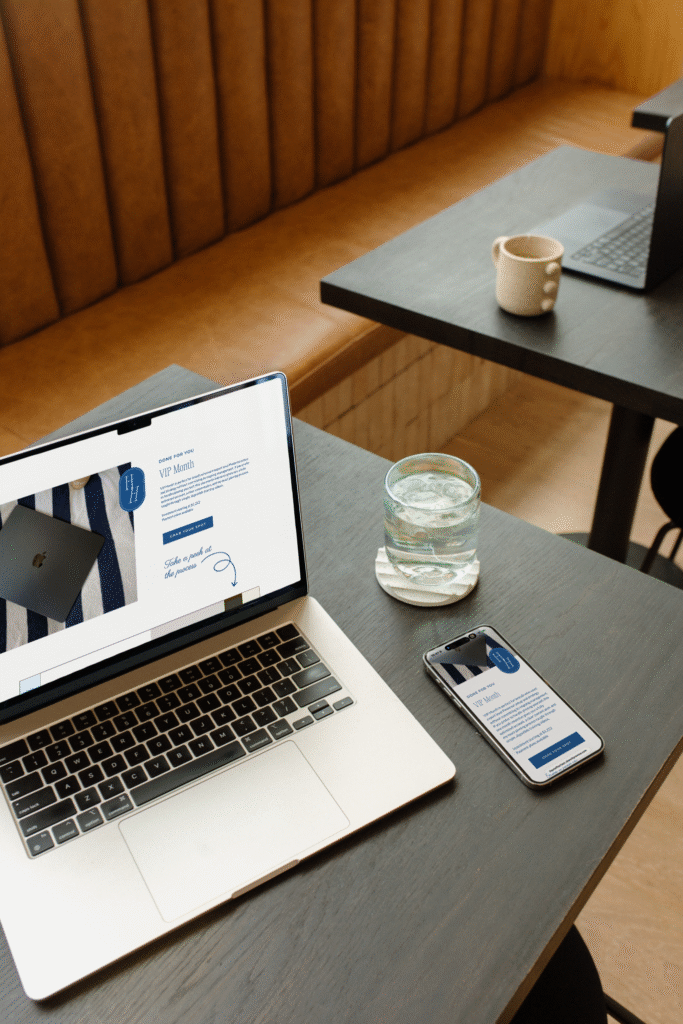
What Website Platform Are You Using?
If you haven’t already decided on a website platform, that’s step one. Website templates are platform-specific, so you don’t want to fall in love with a template only to realize it’s not compatible with the website builder you choose.
Different website builders offer different levels of freedom and customization and some are more user-friendly than others.
Showit, Squarespace, WordPress, and Wix are some popular website builders you might look into.
As a Showit website designer, I’m partial to Showit because of how flexible it is and the ability to have complete control over every visual element. You can drag elements anywhere on the page without being locked into a super rigid format. It’s perfect for creative entrepreneurs who want simplicity, creative freedom, and a website that grows with them long term.
Does the Template Make Sense With Your Budget?
The price tag of a website template can be anywhere from a couple hundred dollars up to a four-figure investment.
Have an idea of your max budget before you begin searching for a website template and keep in mind that templates with more pages and features typically cost more.
If you’re looking to keep things super simple, I offer budget-friendly one-page website templates for business owners who want to launch their websites quickly.
Will It Look Good With *Your* Branding?
One of the biggest pieces of advice I can give you when you’re looking at a website template is to not get too caught up in the stock images and branding elements being used in the template.
You need to look at the layout of the template itself rather than focusing on the pretty visuals that aren’t yours. Try to imagine what your brand images, colors, and fonts would look like on the page to decide whether the template could work for your business.
Ideally, you should look for a website template with a demo that has a similar aesthetic to your brand. If your brand is minimal, avoid templates that include lots of decorative elements. If your website is more copy-heavy, make sure the templates you’re looking at have enough room to say what you need to say throughout your site.
Does It Look Good and Function Well on Mobile?
Having a mobile-friendly website in 2026 is simply not a nice-to-have. It’s an absolute must. A website template that’s gorgeous on desktop but a pain to navigate on mobile will turn away potential clients before they ever inquire.
Before you purchase a website template, I recommend looking at each page of the demo website on desktop and your phone to ensure everything is readable, works as it should, and still looks good.
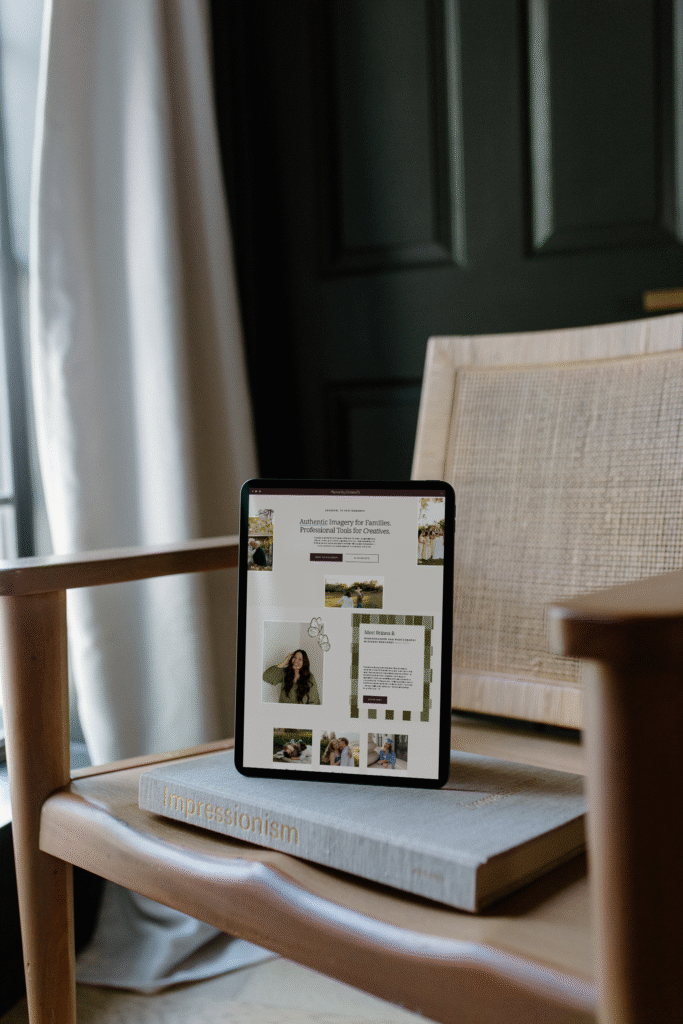
Will the Template Accomplish Your Website Goals?
It’s so easy to get caught up in just the aesthetics, but a beautiful website that’s lacking in the features you need will just be a headache in the long run.
When you’re choosing a template, keep in mind what your goals are for your site and what you need it to accomplish for your business.
For example:
- What industry are you in? Some website templates are designed with a specific industry in mind, often making them easier to customize.
- Are you looking for a simple one-page website template or do you need multiple pages for different things?
- Do you sell products? If so, look for a template that includes shop, individual products, cart, and checkout pages.
- Is your website more copy-heavy or image-heavy? Do you have enough space for the amount of text and visuals you plan to add on your website?
- Is the template compatible with blogging (if you have a blog or plan to start one)?
At the end of the day, the goal is to balance aesthetics and functionality. The visuals are important, but so is making sure your website does what you need it to do!
Are You Going to Customize the Template Yourself?
Many business owners start out with the best intentions when they purchase a new website template, but the reality is often that setting up and customizing it keeps getting pushed to the bottom of the priority list.
While it can feel daunting, it’s totally doable if you break it down into bite-sized steps. In this podcast episode, I share my tips and tricks for customizing Showit templates so you can follow along if you’re choosing to DIY!
If you’re someone that doesn’t want to go at it alone, consider hiring a designer to customize your website template for you.
You don’t have to spend another week endlessly tweaking or promising yourself that you’ll be able to remove “Website coming soon!” from your Instagram bio.
I offer Showit template customization for photographers, wedding coordinators, Pinterest managers, and more. I’ll take your existing template and transform it into a polished, personality-packed website that feels custom. Reach out to book a call today!


